
Sometimes, you just need a Home V Old Version APK. The truth is, older versions often perform way better than the latest updates. More often than not, updating an app either introduces annoying bugs or completely removes a feature you actually loved. Leaving you desperately wanting the old version back.
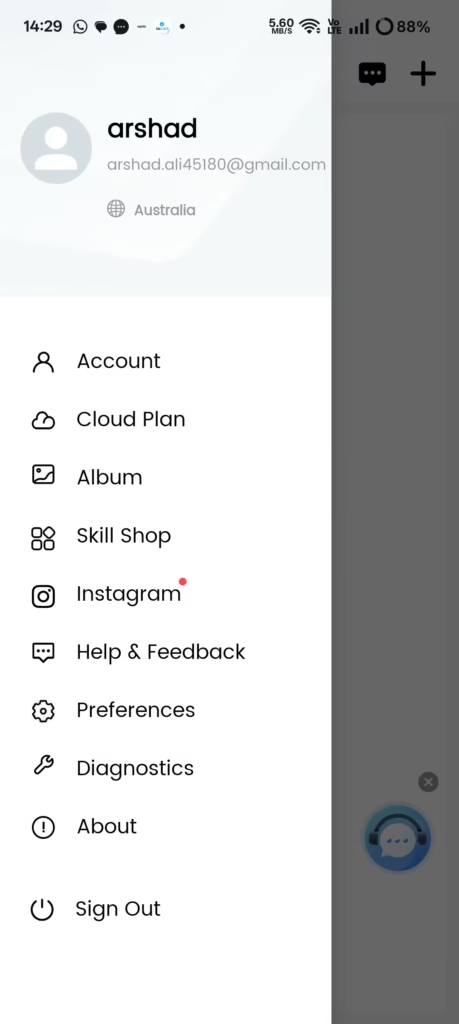
Luckily, we’ve got you covered. Here, you can find various older versions of the Home V app that were officially released by the company. You can safely download and install them on your phone without any worries.
Home V Old Version APK Download
| Version | Android | Size | Status | Download |
|---|---|---|---|---|
| Home V v4.8.0.14 | Android 9.0+ | 99.09 MB | Stable | Download |
| Home V v4.7.3.2 | Android 9.0+ | 104.65 MB | Recommended | Download |
| Home V v4.7.2.7 | Android 9.0+ | 104.65 MB | Lightweight | Download |
| Home V v4.7.1.2 | Android 9.0+ | 104.64 MB | Old Stable | Download |
| Home V v4.7.0.10 | Android 7.0+ | 95.85 MB | Legacy | Download |
Why Need an Older Version?
So, the question is: when the latest version is right there, why on earth would anyone want an older version?
The answer is simple. The previous version worked perfectly and ran smoothly, but the moment you updated, everything broke or slowed down. All you want now is to get that seamless experience back. Another major reason is compatibility. Sometimes, a new update rolls out that your phone just can’t handle, leaving you with no choice but to downgrade.
If you’re stuck in that loop, you can safely download the exact older version of the Home V app you need right here and get things running properly again.
Features of Home V
We’ve put together a list of some of the best features this app has to offer. Don’t worry, we’re keeping it short, sweet, and to the point so you don’t get bored to death!
- Live camera viewing
- Two-way audio communication
- Motion detection alerts
- Video playback and recording
- Color night vision support
- Alexa integration
- Wear OS support
How to Install Home V Old Version APK?
If you want a step-by-step guide on how to install the Home V APK file, we’ve put together a complete, dedicated post just for you.
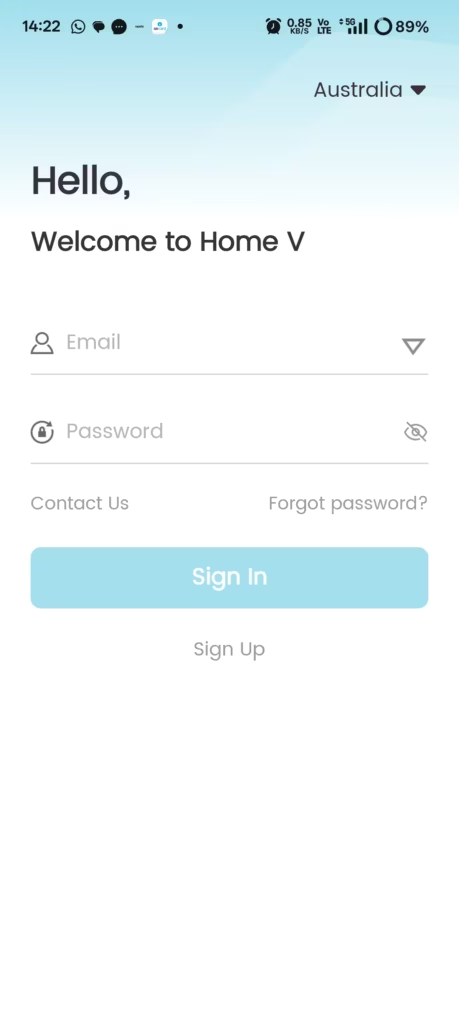
For a quick look, here is a brief overview of the installation process in easy points. Let’s dive in:
- Download the APK: First, download the specific older version of the APK you need onto your phone.
- Open & Trigger Install: Go to your downloads folder, locate the downloaded APK file, and tap on it. A prompt will pop up—just tap the Install button.
- Wait it Out: The installation process will begin. Just sit back and let it finish.
- Open & Set Up: Once successfully installed, open the app and configure your settings to get started.
Common Problem of Home V Old Version APK
Honestly, if you follow the steps properly, you shouldn’t run into any issues during the download or installation. But hey, if things do go sideways, don’t panic. We’ve got your back.
We’ve closely looked into all the common issues users face with the Home V app and covered their solutions in a dedicated troubleshooting post that you can check out. In the meantime, we’ve also discussed a few real user problems right here to help you get started.
1. App not installing
If you’ve downloaded the app but get an “App could not install” error when you tap to open it, it usually means your file didn’t download completely and got corrupted midway. To fix this, check the exact file size we’ve listed for that version and compare it with the file size on your phone. If they don’t match, simply delete the broken file, hit download again, and try reinstalling the fresh copy.
2. App is crashing.
If the app downloads and installs fine, but crashes instantly just 1–2 seconds after you open it, you need to check two things. First, make sure the specific version you installed is actually compatible with your phone’s Android version. Second, check if your Android System WebView is updated. If it’s outdated, update it from the Play Store, then simply uninstall and reinstall the app. That should fix the issue!
3. Cameras Not Connecting
This is another incredibly common issue with the app, and we’ve seen tons of users complaining about it. Usually, double-checking just two or three quick things will get it sorted. First, make sure the camera you are configuring is properly connected to your home Wi-Fi network. Second, ensure that the serial number or QR code details you entered into the app are 100% correct. Lastly, double-check your device username and password. One wrong character can block the connection. Do this, and it should start working perfectly.
For a deeper dive, don’t forget to check out our main troubleshooting post, where we’ve broken down the fixes for almost every single issue you might run into!
FAQs
Final Words
We’ve done our absolute best to cover everything you need to know about the older versions of the Home V app. That said, if we missed anything or if you’re still running into any issues with the app, please leave a comment or drop us a line below.
Thank you so much for stopping by and visiting our site!