
Looking for XMEye Old Version APK Download? Sometimes the newest update has bugs. Many users look for older versions when the new app won’t install or when their cameras stop connecting.
If you’re facing similar issues with the XMEye app installation or camera connectivity, you can use a stable older version on your Android phone. You can find the download links below.
XMEye Old Version APK Download
| Version | Android | Size | Status | Download |
|---|---|---|---|---|
| XMEye v6.6.4 | Android 5.0+ | 58 MB | Stable | Download |
| XMEye v6.6.3 | Android 5.0+ | 56 MB | Recommended | Download |
| XMEye v1.6.6.5 | Android 4.4+ | 53 MB | Lightweight | Download |
| XMEye v6.6.1 | Android 4.4+ | 49 MB | Old Stable | Download |
| XMEye v6.5.9 | Android 4.1+ | 44 MB | Legacy | Download |
Why Do You Need an Older Version?
You need an older version because sometimes you encounter technical issues, such as compatibility issues or crashing the app.
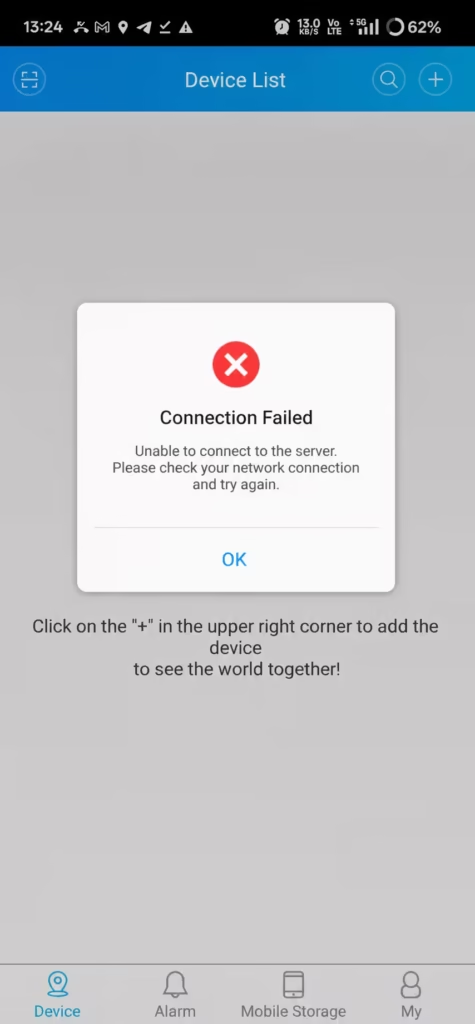
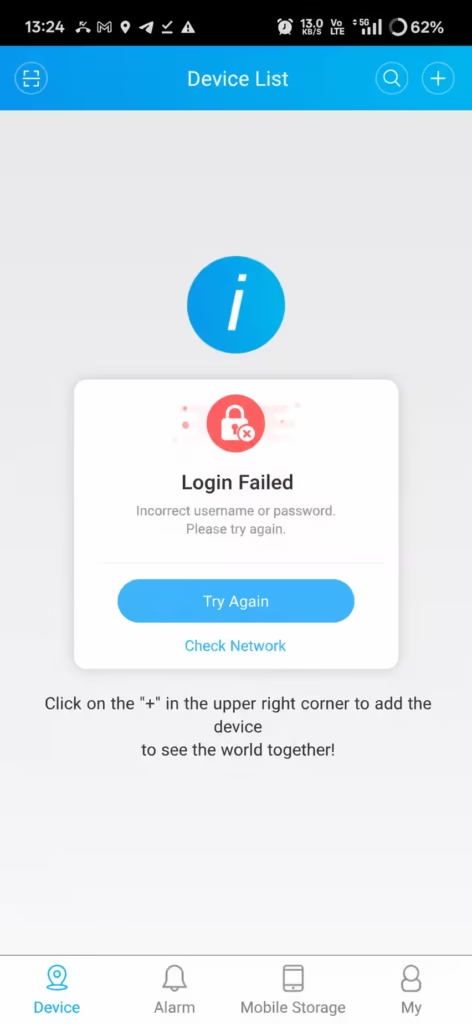
- The new version doesn’t work on your phone: The latest update might not be compatible with your device.
- The app slows down your phone: Your device or the application runs sluggishly after downloading the update.
- Laggy camera live view: The live camera feed doesn’t stream smoothly.
- Broken features: Certain functions or features in the app stop working properly.
- Missing favorite features: A specific feature you loved was changed or removed in the new version.
- Using an older smartphone: Your mobile device is quite old and struggles to handle heavy new updates.
How to Install XMEye Old APK
- First, download the app using the link provided below.
- Open the downloaded file. A pop-up will appear asking you to install it.
- Tap Install (or Yes) and wait for the installation to finish.
- Once the installation is complete, open the app.
- Add DVR/NVR in the app after registering the username by serial number or QR code.
You may also see the full installation guide of the XMeye app.
Common Issues
1. App Not Installing
- First, check if you already have a version of XMEye installed on your phone.
- Uninstall the current app, restart your phone, and try again.
- It’s possible that the app didn’t download completely. Delete the old download file, download it again, and retry.
2. App Crashing
- Restart your phone and open the app again.
- It’s possible that your Android version and the app version are mismatched. Try downloading a different version instead.
- If the app is still crashing, it could be an issue with your device’s storage or RAM. Try clearing your RAM and app cache, then try again—it should work fine.
3. DVR/NVR Connection Failed
- Verify the serial number of your DVR/NVR.
- Check whether your NVR/DVR is online or not.
- Make sure your DVR/NVR NAT option is enabled.
- Wrong XMeye account password.
Final Words
Older versions of the XMEye app can solve a lot of problems, especially if your phone doesn’t support the latest update or you’re running into other issues.
Choosing the right version for your mobile device can fix all of these problems instantly.